
How to install a FiveM script on QBCore or Qbox
Installing a FiveM script is not hard, but one step out of order is enough for it not to start. This guide follows a script bought on Tebex (with Cfx.re escrow) on a QBCore or Qbox server. A free, open script works the same way, minus the license part.
Before you start
- A working FiveM server (FXServer, usually with txAdmin).
- Access to the server folder: the one with
server.cfgand theresourcesfolder. - The script's documentation: it lists what it needs (for example
ox_libandoxmysql) and which items it ships. Ours are in the Docs.
1. Download the script from Cfx.re
When you pay on Tebex, the script is granted to your Cfx.re account. Go to portal.cfx.re, open Granted Assets and download the file. Every time the creator releases a new version, you download it from the same place.
2. The server license must belong to the same account
Escrowed scripts only start when the server license key (sv_licenseKey in your server.cfg) was created with the same Cfx.re account that bought the script. If it does not match, the console shows You lack the required entitlement and the script does not start. More in What FiveM escrow is.
3. Copy the folder to resources
Unzip the file and copy the script folder into resources (or a subfolder of yours, like resources/[rolo]).
Check that fxmanifest.lua sits directly inside the script folder. A very common mistake is ending up with resources/my_script/my_script/fxmanifest.lua: the server cannot find it that way.
4. Add it to server.cfg in the right order
Every script starts with an ensure line:
ensure oxmysql
ensure ox_lib
ensure qb-core
# ...your inventory, target and other dependencies...
ensure rolo_mechanic
The rule is simple: dependencies first. If a script uses ox_lib and starts before it, you will see errors about exports that do not exist.
5. Items and images
If the script uses items, register them in your inventory:
- qb-core / Qbox with qb-inventory or qs-inventory: in the framework's shared item list.
- ox_inventory / origen_inventory: in its items file.
Copy the item images to your inventory's image folder too. Our scripts ship everything ready in the items/ folder: the definitions for each inventory and a PNG for every item.
6. Database
Many scripts create their tables by themselves the first time they start. If the script ships an install.sql, run it on your database (HeidiSQL or phpMyAdmin) when the documentation asks for it.
7. Configure and restart
Open config.lua and set jobs, permissions and options. Private keys (Discord webhooks, API keys) never go in config.lua: in our scripts they go in config_server.lua, which only the server reads.
Restart the server and watch the console. If the script prints its start message with no red errors, you are done.
Common errors
| What the console shows | What it means |
|---|---|
Couldn't find resource |
The ensure name does not match the folder, or the folder ended up doubled. |
You lack the required entitlement |
The server license belongs to another Cfx.re account. |
No such export |
A dependency starts after the script, or is not installed. |
attempt to index a nil value |
Almost always a config option that does not match your framework or inventory. |
Stuck with one of our scripts? Write to us on Discord with the script name, your framework and the console error.
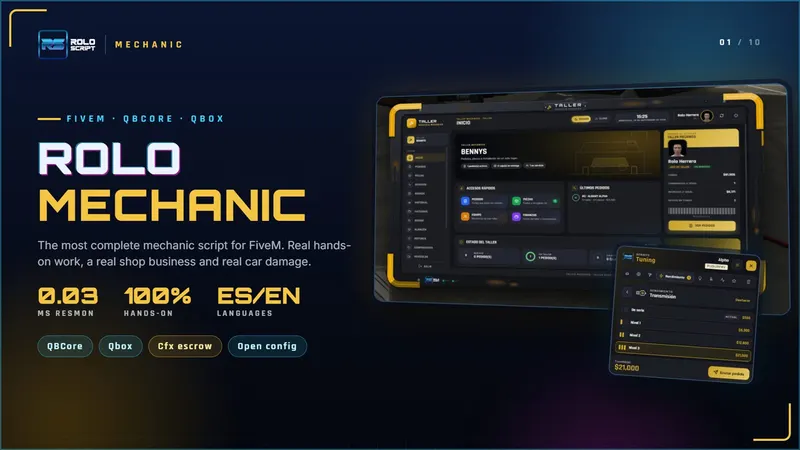
Mechanic
The most complete shop: real hands-on work.
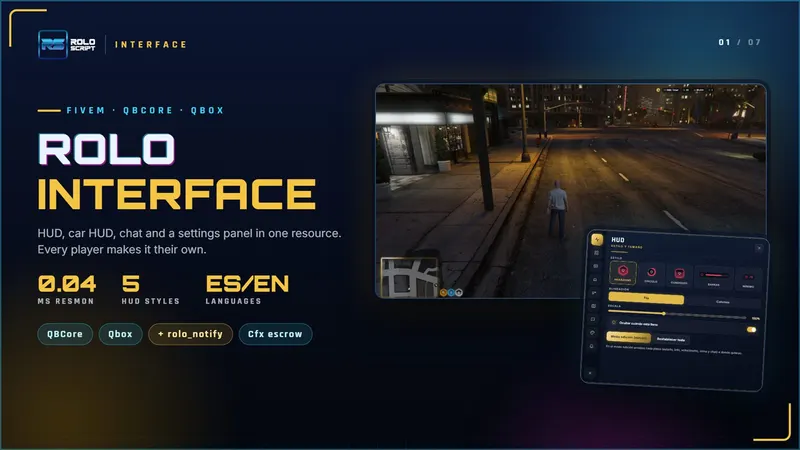
Interface
HUD, car HUD, chat and settings in one. Includes rolo_notify.
Write to us in the Discord support channel with the script, your framework and the console error.
More guides
How to clear the FiveM cache (client and server)
Step by step: clear the FiveM cache on your PC and on your server (FXServer and txAdmin), which folders to touch, which not, and how to automate it for free.
What FiveM escrow is and what you can edit
Cfx.re asset escrow explained: which files are encrypted, what stays open, why "You lack the required entitlement" shows up and how you get updates.